simplediary 폴더 생성 -> VSCode 실행 -> 폴더 오픈 -> npx create-react-app simplediary를 터미널에 입력해서 프로젝트 생성
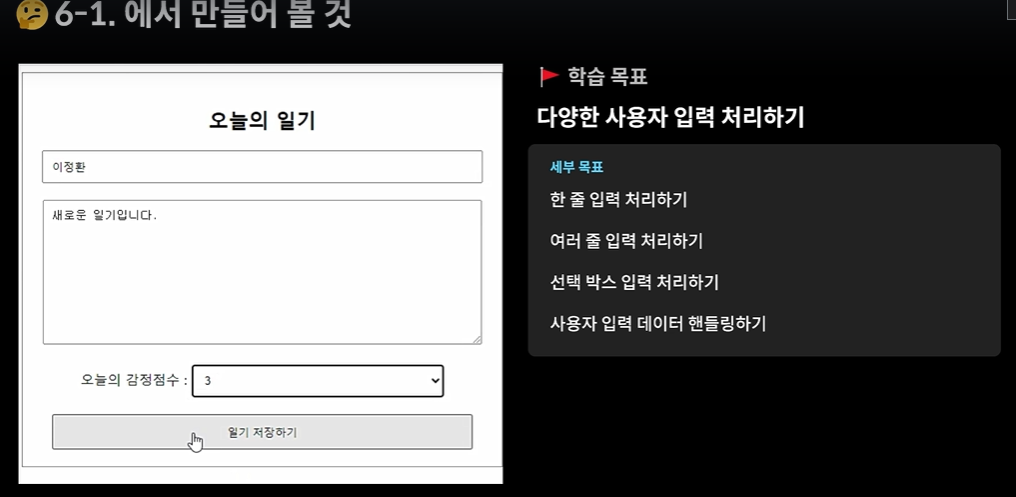
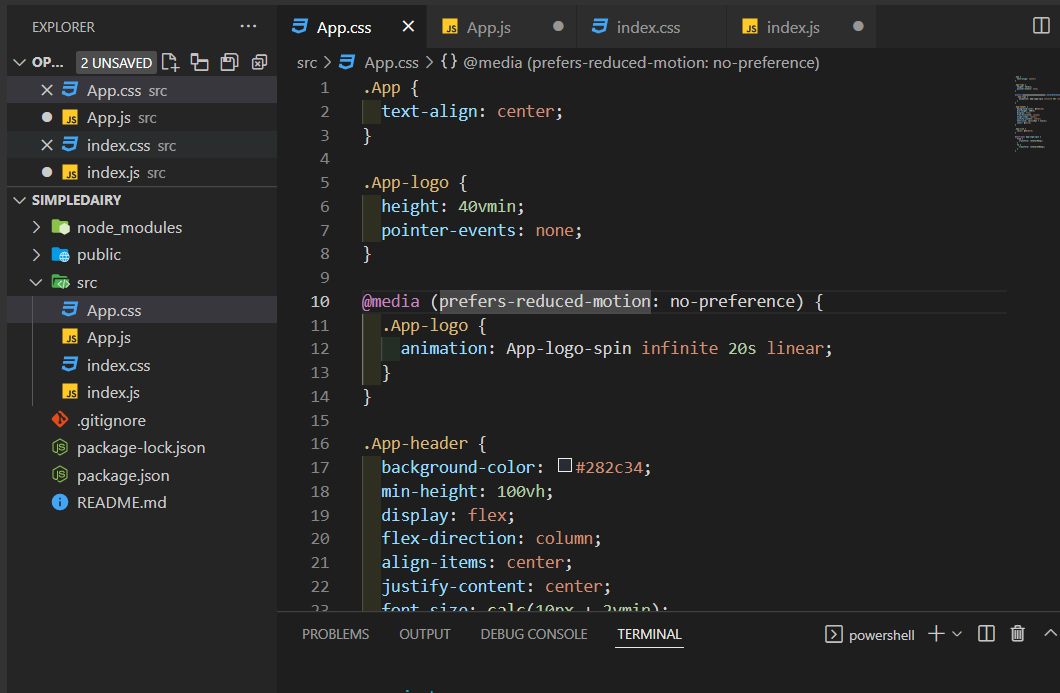
옮길거 옮기고 지울거 지우고 npm start
<DiaryEditor 생성>

생성 후 <App.js>의 자식으로 추가
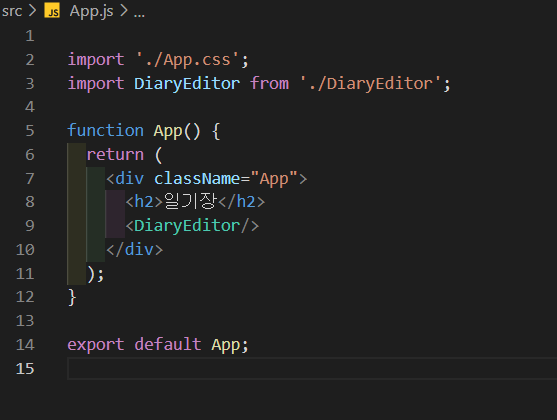
<App.css>
.DiaryEditor {
  border : 1px solid gray;
  text-align : center;
  padding : 20px;
}

.DiaryEditor input,
textarea {
  margin-bottom : 20px;
  width : 500px;
  padding : 10px;
}

.DiaryEditor textarea {
  height: 150px;
}

.DiaryEditor select{
  width: 300px;
  padding : 10px;
  margin-bottom: 20px;
}

.DiaryEditor buttom{
  width: 500px;
  padding : 10px;
  cursor: pointer;
}
<DiaryEditor.js>
import { useState } from "react";

const DiaryEditor = () => {
    const [state, setState] = useState({
        author:"",
        content:"",
        emotion:1,
    });

    const handleChangeState = (e) => {
        setState({
            ...state,
            [e.target.name] : e.target.value,
        });
    };

    const handleSubmit = () => {
        console.log(state);
        alert('저장 성공');
    }


    return (
        <div className = "DiaryEditor">
        <h2> 오늘의 일기 </h2>
        <div>
            <input
            name = "author"
            value={state.author}
            onChange={handleChangeState}
            />
        </div>
        <div>
            <textarea name = "content"
            value = {state.content}
            onChange={handleChangeState}
        /></div>
        <div>
            <select name = "emotion" value={state.emotion} onChange={handleChangeState}>
                <option value={1}>1</option>
                <option value={2}>2</option>
                <option value={3}>3</option>
                <option value={4}>4</option>
                <option value={5}>5</option>
            </select>
        </div>
        <div>
            <button onClick = {handleSubmit}>일기 저장하기</button>
        </div>
    </div>
    );
};
export default DiaryEditor;
<App.js>
import './App.css';
import DiaryEditor from './DiaryEditor';

function App() {
  return (
    <div className="App">
      <DiaryEditor />
    </div>
  );
}

export default App;'React.js' 카테고리의 다른 글
| React에서 리스트 사용 하기 - Array.map((it) =><Component key = {it.id} {...it}/ >) (0) | 2022.04.11 |
|---|---|
| React에서 DOM 조작하기 (0) | 2022.04.11 |
| 감성 일기장 만들기 - Point (0) | 2022.04.09 |
| Props - 컴포넌트에 데이터를 전달하는 방법 (0) | 2022.04.09 |
| State(상태) (0) | 2022.04.08 |

